It is the basic "navigation interface" of the system. If you want to attach an interface to the navigation system, you only need it to create your interface. Note: This interface itself has no focus. If you need to focus, you need to enable IsFocusable in its property details panel:
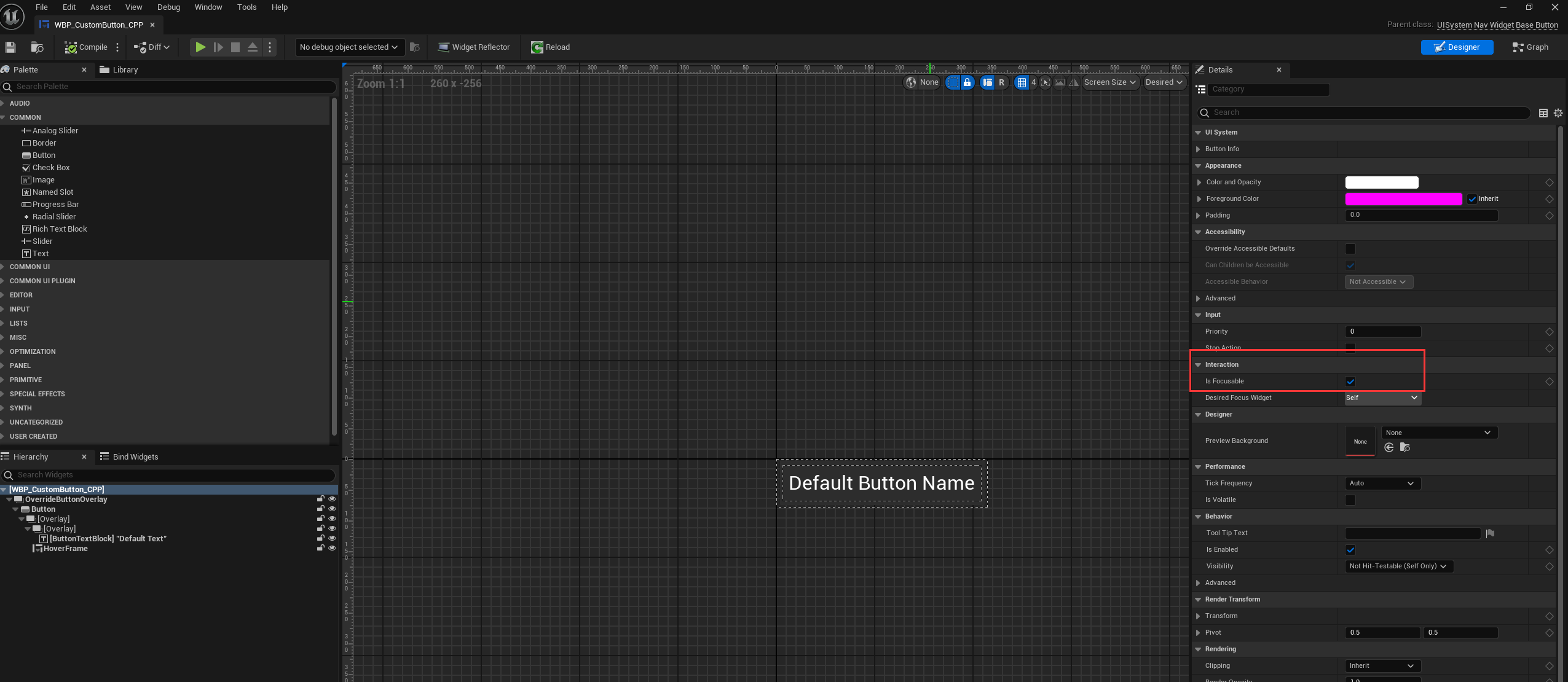
In addition, the interface supports nesting, but generally, nesting is not required. You can design it freely according to your needs. It inherits from ,Therefore, it has all the overridable functions of UISystemWidgetBase.
1. Overloadable functions
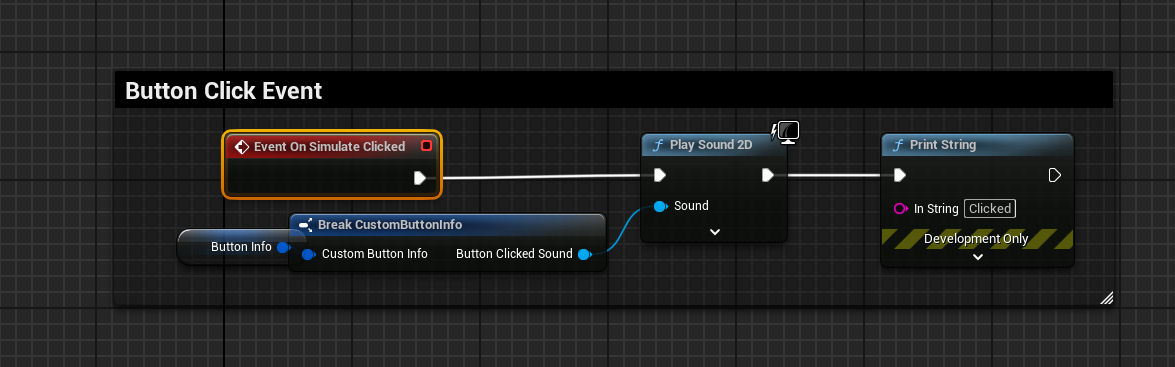
1. OnSimulateClicked
Delegated event: OnClicked, which is used to bind in other interfaces. This also applies to mouse, keyboard and game controller to simulate click events.
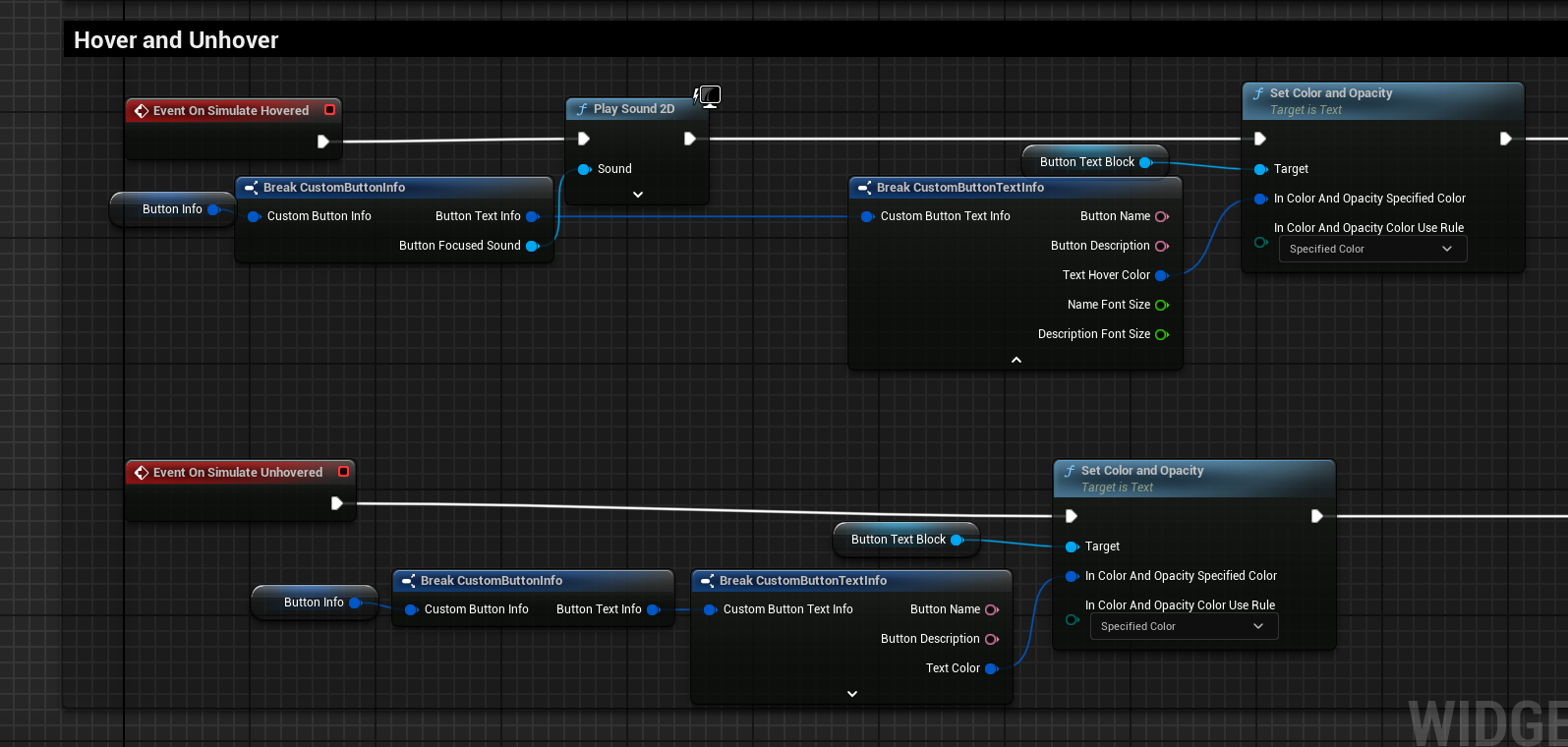
2. OnSimulateHovered 与 OnSimulateUnhovered
Delegated events: OnHovered and OnUnhovered, which are used to bind to other interfaces. This also applies to mouse, keyboard and game controllers to simulate hover and unhover events.
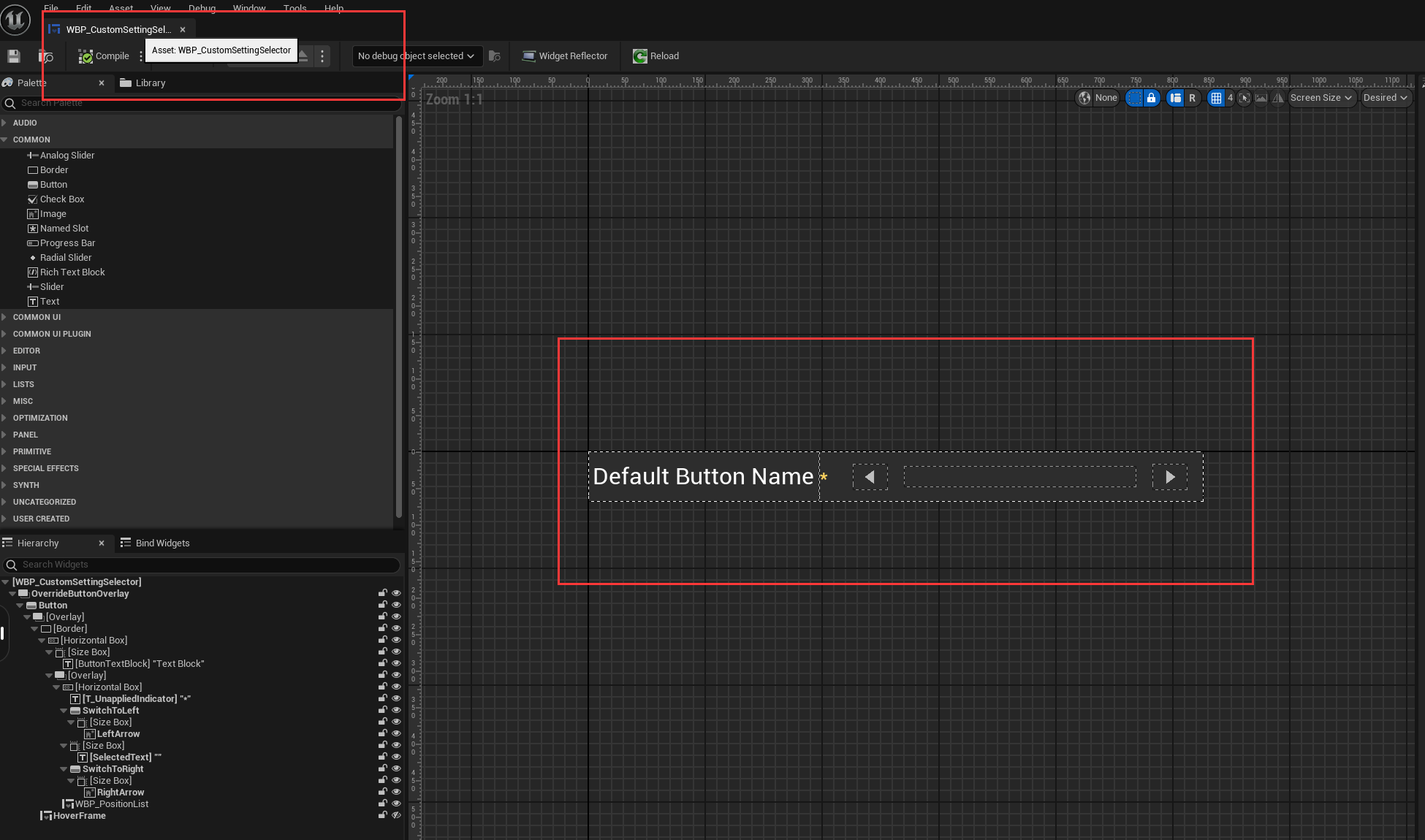
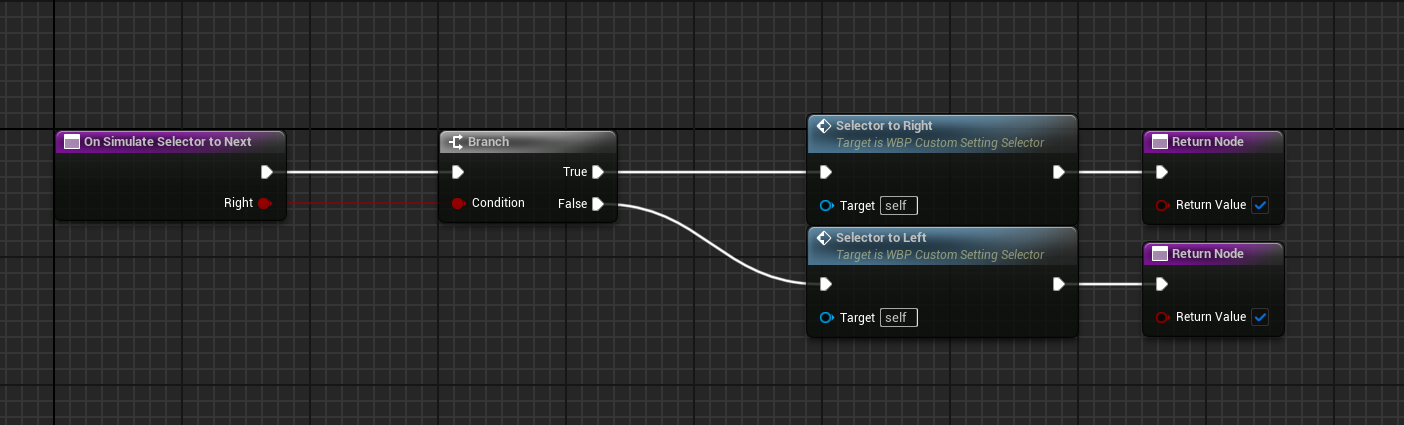
3. bool OnSimulateSelectorToNext(const bool bRight)
This also works with mouse, keyboard and gamepad to simulate a button left/right toggle event, as shown in the WBP_CustomSettingSelector in the plugin.
4. OnUpdateWidgetStyle
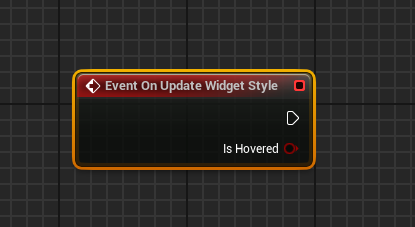
This event is used to update the interface style. Sometimes you don't need OnSimulateHovered and OnSimulateUnhovered to switch the highlight of the focus button, and you can use it to complete it.
5. GetFocusableSubWidget
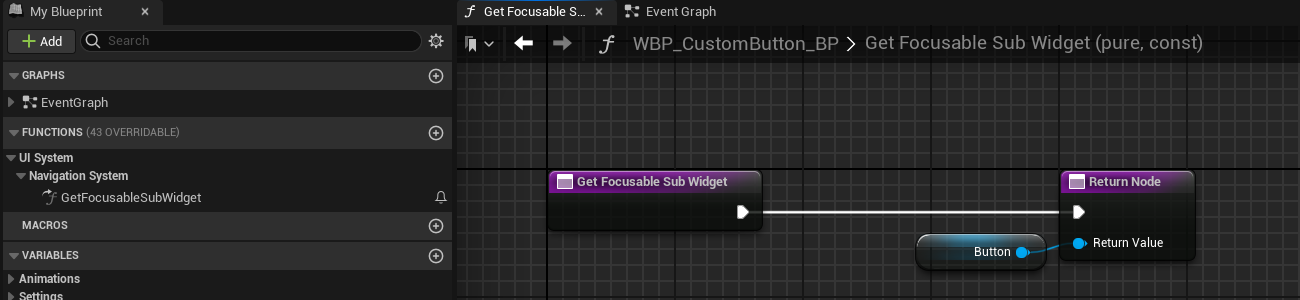
Used to get the focusable sub-interface.
Generally, it will return the button of the interface, which will save the performance of the search.
You can also not implement it, because when it returns empty, the system will default to searching for the required focusable sub-interface from the interface tree.
6. ToggleWidgetVisible
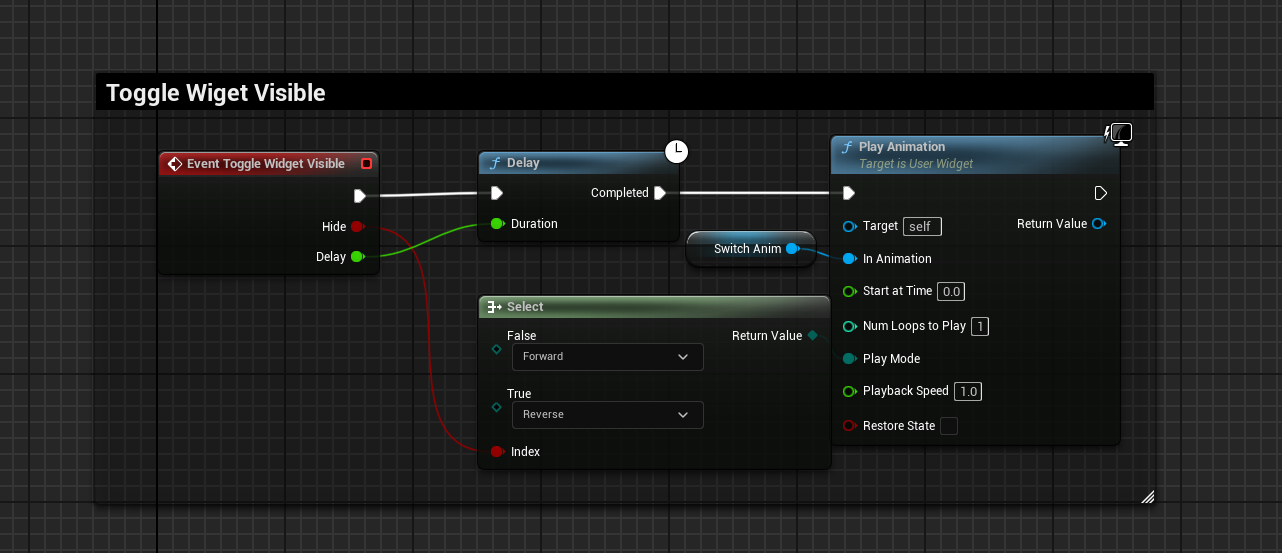
Switch the visibility of the interface. This is usually used in conjunction with the system function ToggleContentItems. It is mainly used for dynamic interface loading animations, which can make your interface have more flexible animations.
2. Utility functions:
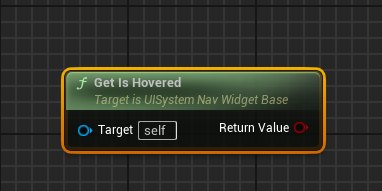
1. GetIsHovered / IsFocused
Used to get whether the interface is in the focus hover state.
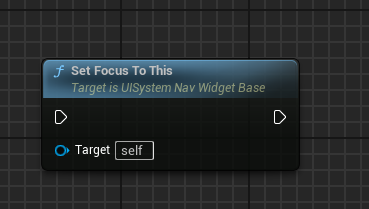
2. SetFocusToThis
Function used to let the system focus on this interface.
Comments
Share your thoughts and discuss with everyone