Used to display some system prompt information, such as game saved successfully, archived files deleted, etc.
Display System Message Popup
This is the only pop-up method. The system queues the message pop-ups. All displays you perform will be added to the queue and displayed one by one.
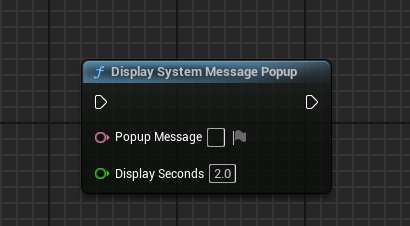
parameter:
Popup Message:The popup message to display.
DisplaySeconds:The default pop-up window display time is 2 seconds. The pop-up window will be hidden after 2 seconds. Please do not set a value less than 0!
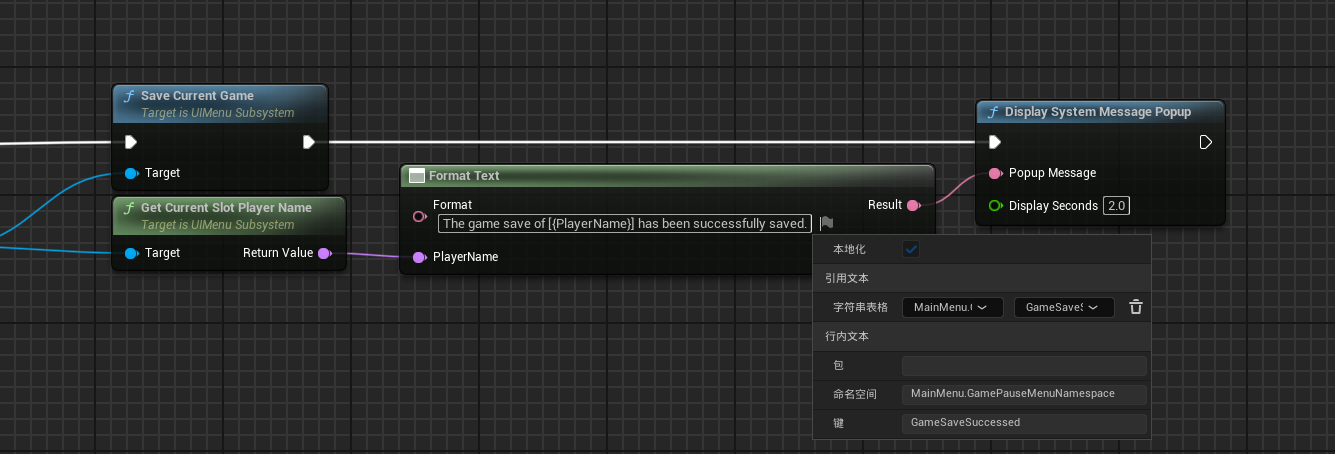
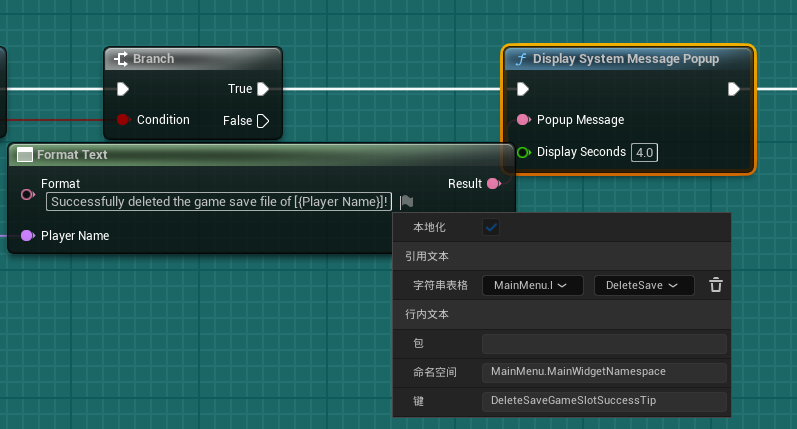
You can use localized text for Popup Message and connect dynamic parameters using FormatText. There are two places in the system that use it, as shown in the following example:
Custom Popup Message Widget
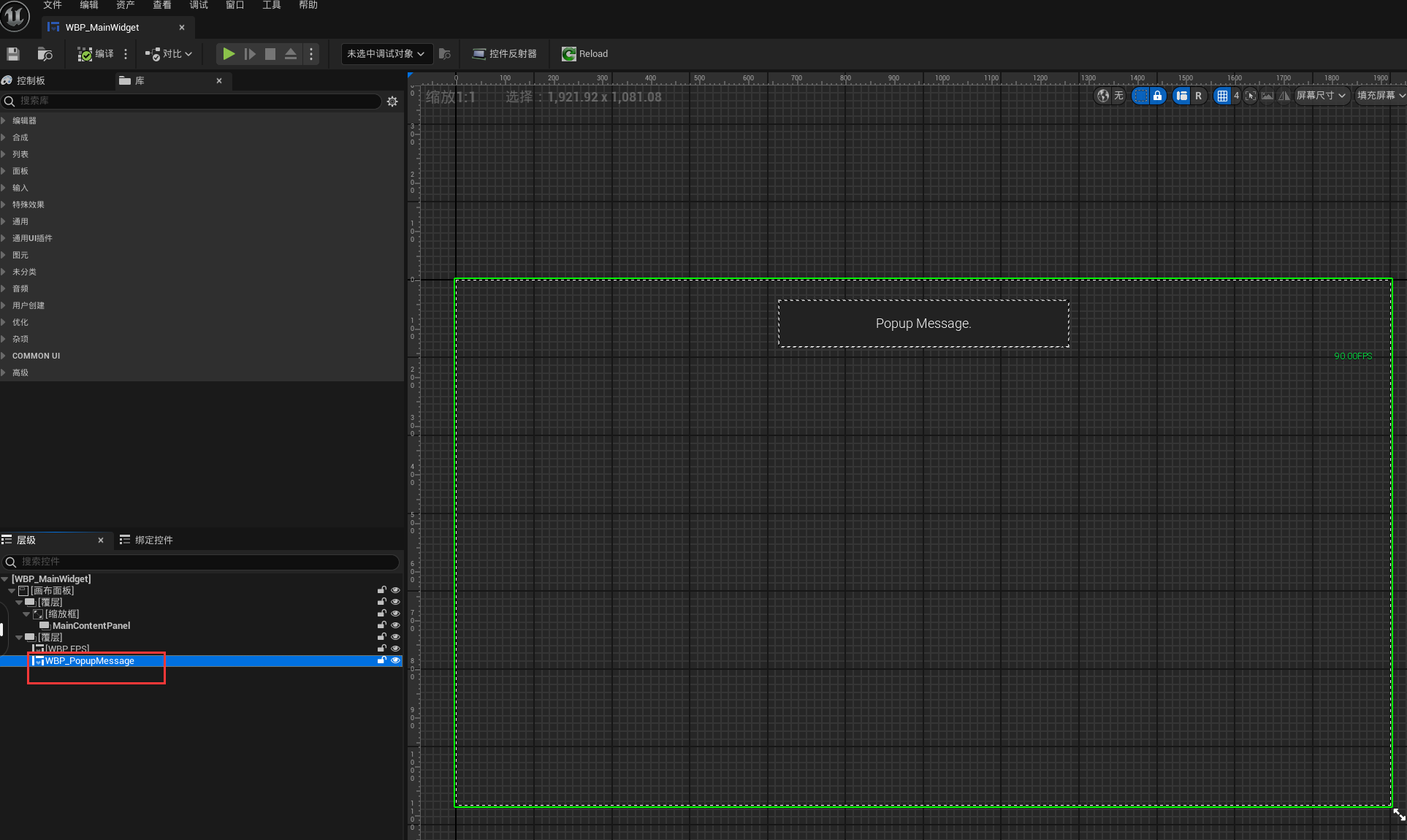
The popup interface used in the system is called WBP_PopupMessage, which can be found in the plugin directory and is added to WBP_MainWidget. You can customize the WBP_PopupMessage interface as needed.
Comments
Share your thoughts and discuss with everyone