Component Fields
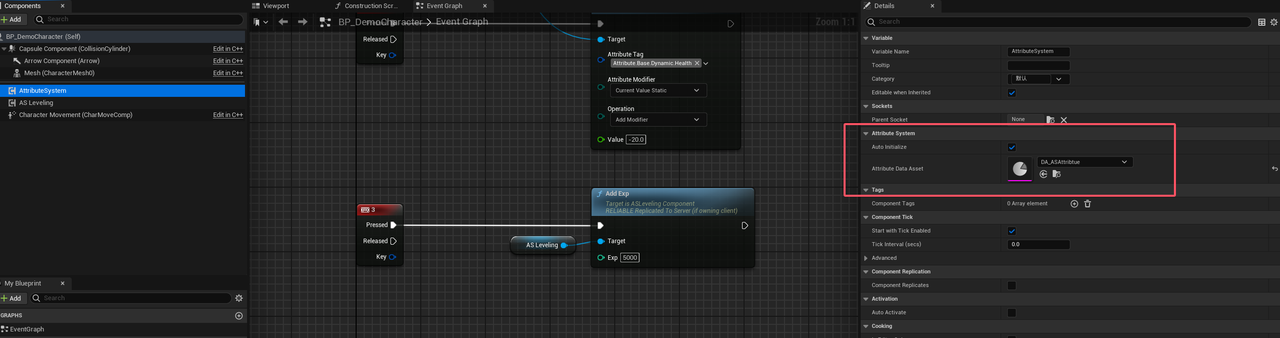
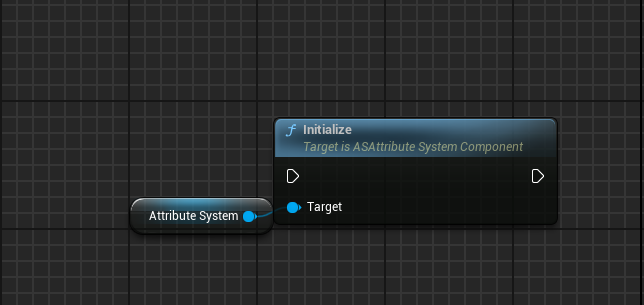
Auto Initialize: Automatically initializes the attribute system (if true). If you need to initialize manually, uncheck this field and manually call the Initialize method.
AttributeDataAsset: This is the data asset you created at .
Delegates
OnAttributeSystemInitialized
Notification when attribute system initialization is complete.
OnAttributePointsModified
Updated when the attribute points of the attribute system are modified.
Save and Load
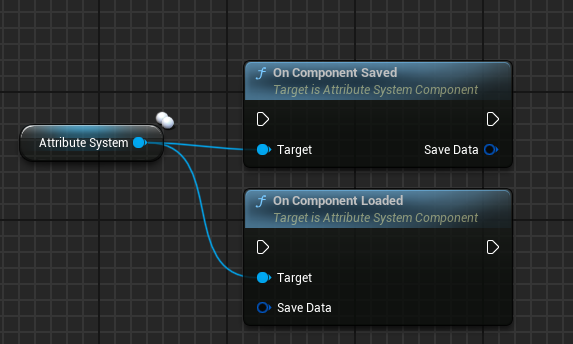
Other Functions (Blueprint Callable)
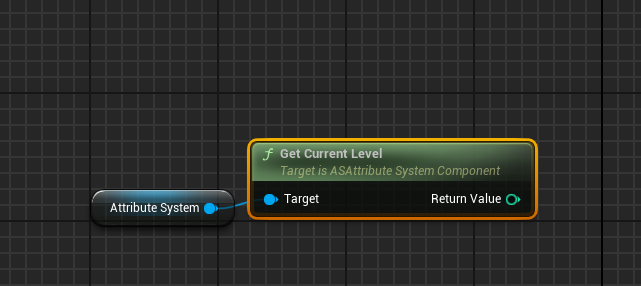
GetCurrentLevel
Retrieves the character's current level. (A level system function that is called explicitly.)
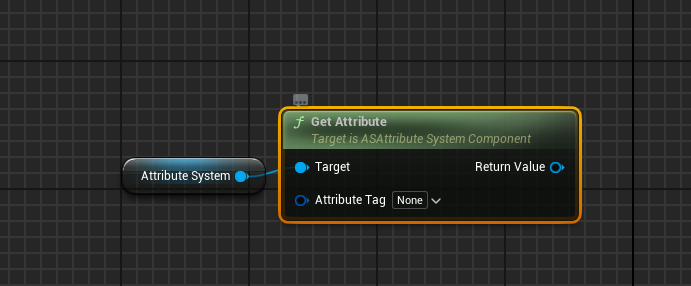
GetAttribute
Used to get a specific attribute instance by Attribute Tag.
ModifyAttribute / ModifyAttribute_Server
Modifies the attribute value of the corresponding Attribute Tag according to the corresponding field configuration.
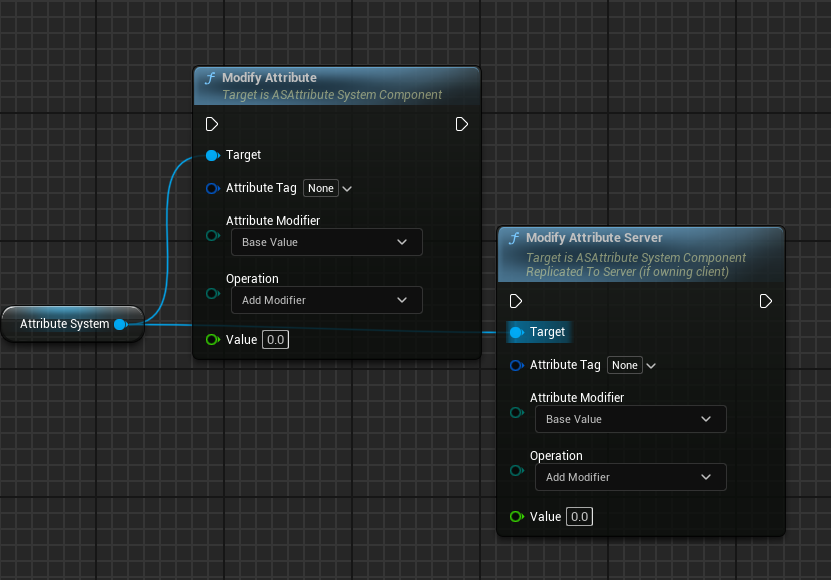
ModifyAttribute_Server is the server version; use it if you need network replication.
Attribute Tag: The attribute tag to modify.
Attribute Modifier: The attribute modifier type.
BaseValue: The base value of the attribute being modified.
Calculation formula: TotalValue = (BaseValue * ModifyPercentage + ModifyStatic). Usually, this value increases with equipment, boosting core attributes such as Strength (+5 attack) and Vitality (+20 HP), through effect changes, etc. Therefore, it is the base value of the attribute and can be further extended by effects such as +10% HP.
PercentageModifier: Modifies by percentage.
Calculation formula: TotalValue = (BaseValue * ModifyPercentage + ModifyStatic). +10% HP: set to 0.1. +130% physical damage: set to 1.3. 15% movement speed: set to -0.15.
StaticModifier: The static additive value for modifying an attribute.
Calculation formula: TotalValue = (BaseValue * ModifyPercentage + ModifyStatic). For example, a player has 100 HP; after adding a +50% HP effect, the player's HP will reach 150. We want to add +20 HP, but this is static and cannot be scaled. If we add it to BaseValue, we get 120 * 1.5 + 0 = 180 HP. If we add it to this value, we get 100 * 1.5 + 20 = 170 HP.
TemporaryLimit: Temporary limit value (used when you need to temporarily limit the attribute value to a certain range).
Use case: Your character is in an arena in the city, and the arena's rules limit character attack to 200; this will be helpful. Calculation formula: TotalValue = From the TemporaryLimits array, clamp the value between 1 and the minimum value in the array. For example, we need all players in the PvP area to have a maximum attack of 200 and a maximum defense of 100. The first player's attack is 190, the second player's attack is 160, but their maximum attack is 200. In this case, we set 200. Note that TemporaryLimits is an array. If it is not empty, TotalValue will be clamped from 1 to the array's MinValue.
BlockingPercentageModifier: Blocks the maximum value of an attribute by percentage.
Use case: The character is affected by an effect under which your HP is limited to 25%. Calculation formula: TotalValue = TotalValue * (1 - ModifyBlockPercentage) - ModifyBlockStatic. For example, we create a Berserker effect that provides +100% attack but limits HP to 25%. In this case, we set it to 0.75. The total BlockingPercentageModifier is clamped from 0 to 1.
BlockingStaticModifier: Blocks an attribute by a static modifier value.
Use case: The character is affected by an effect under which your HP is reduced by 200. Calculation formula: TotalValue = TotalValue * (1 - ModifyBlockPercentage) - ModifyBlockStatic. Same as BlockingPercentageModifier, but uses values such as 100, 200, etc.
TemporaryOverrideValue: Overrides the blocking value.
Calculation formula: TotalValue = The minimum value in TemporaryOverrideValues. For example, according to a quest, when the player turns to a certain NPC, their attack must equal 1. Or you create a debuff that limits attack to 1. In this case, set it to 1. Note that TemporaryOverrideValues is an array. If it is not empty, TotalValue = the minimum value of the array.
CurrentValueStatic: Used to modify the current value statically.
Used for HP, mana, energy, stamina, shields, etc. If the current HP value = 0, the player dies. For example, let's take HP as an example. Max HP = 500, current HP = 300. First case: CurrentValueStatic = -50. We get 300 + -50 = 250 HP. Second case: CurrentValuePercentage = 0.2. We get 300 * (1 + 0.2) = 360 HP. Third case: CurrentValuePercentageFromMax = 0.8. We get 300 + 500 * 0.8 = 500 (because it is clamped by the minimum/maximum value).
CurrentValuePercentage: Uses a percentage to modify the current value.
Used for HP, mana, energy, stamina, shields, etc. If the current HP value = 0, the player dies. For example, let's take HP as an example. Max HP = 500, current HP = 300. First case: CurrentValueStatic = -50. We get 300 + -50 = 250 HP. Second case: CurrentValuePercentage = 0.2. We get 300 * (1 + 0.2) = 360 HP. Third case: CurrentValuePercentageFromMax = 0.8. We get 300 + 500 * 0.8 = 500 (because it is clamped by the minimum/maximum value).
CurrentValuePercentageFromMax: Changes the current value by a percentage of the maximum value.
Used for HP, mana, energy, stamina, shields, etc. If the current HP value = 0, the player dies. For example, let's take HP as an example. Max HP = 500, current HP = 300. First case: CurrentValueStatic = -50. We get 300 + -50 = 250 HP. Second case: CurrentValuePercentage = 0.2. We get 300 * (1 + 0.2) = 360 HP. Third case: CurrentValuePercentageFromMax = 0.8. We get 300 + 500 * 0.8 = 500 (because it is clamped by the minimum/maximum value).
Operation: The modification operation method.
AddModifier: Used to add a modifier.
RemoveModifier: Used to remove a modifier.
Value: The specific modification value.
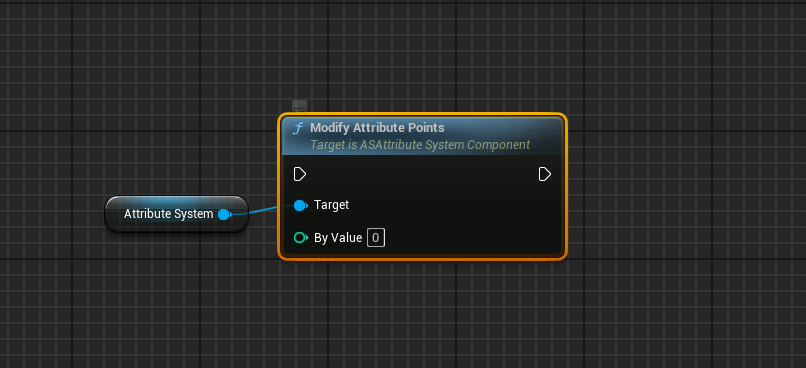
ModifyAttributePoints
Used to modify the total number of attribute points, such as adding fixed attribute points when leveling up or increasing attribute points by other means.
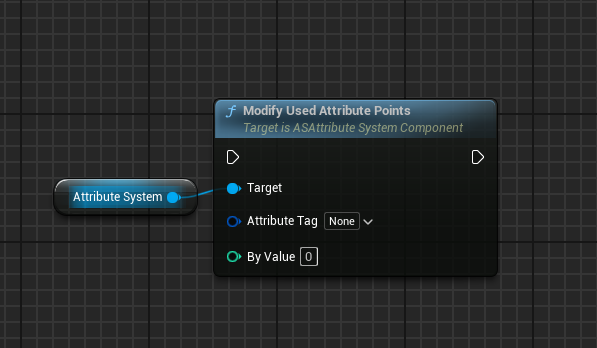
ModifyUsedAttributePoints
Modify the number of used attribute points for a specific attribute.
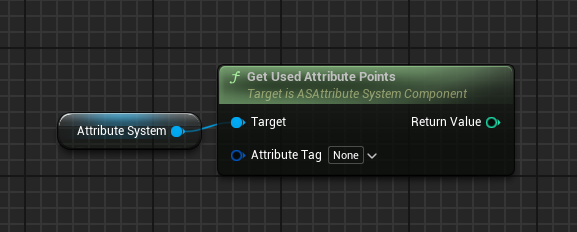
GetUsedAttributePoints
Get the number of used attribute points for a specific attribute.
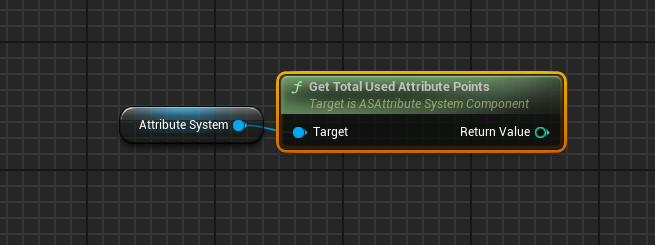
GetTotalUsedAttributePoints
Get the total number of used attribute points.
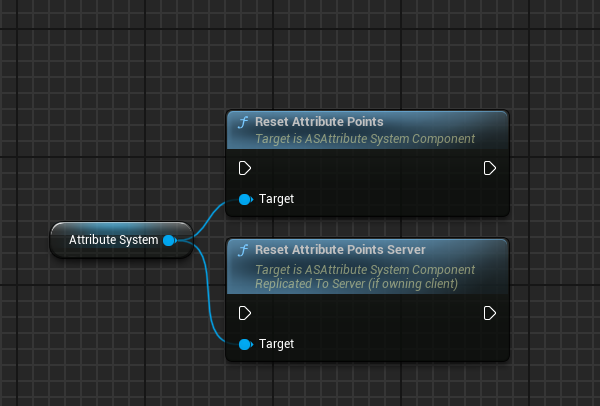
ResetAttributePoints / ResetAttributePoints_Server
Reset the used attribute points.
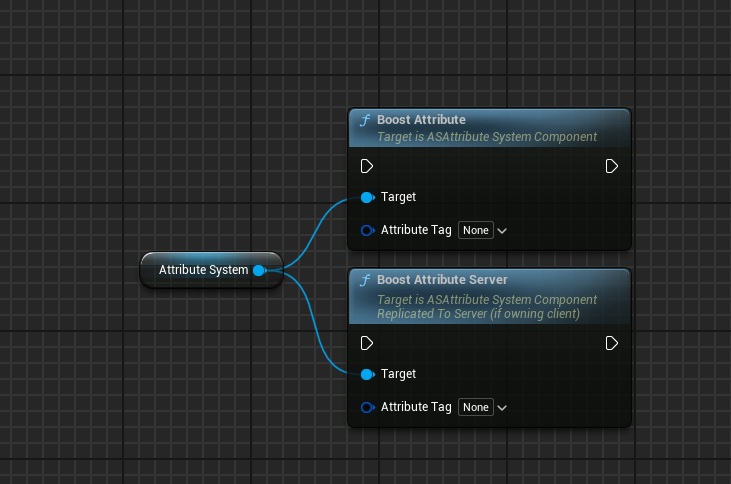
BoostAttribute / BoostAttribute_Server
Increase the number of used points for a specific attribute by 1.
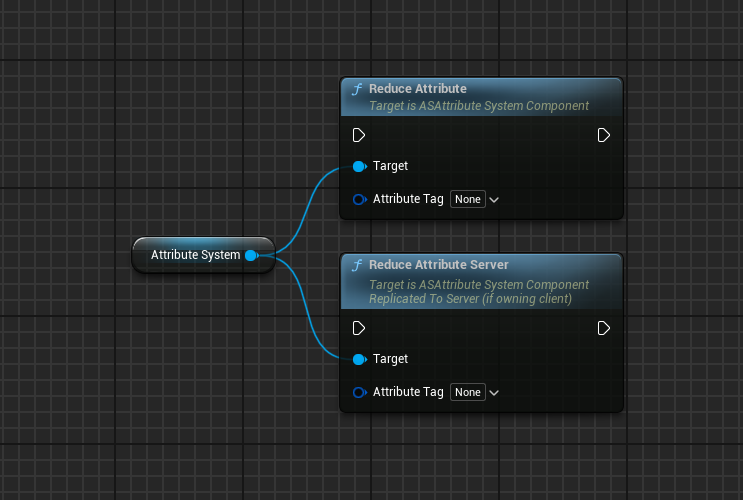
ReduceAttribute / ReduceAttribute_Server
Decrease the number of used points for a specific attribute by 1.
Comments
Share your thoughts and discuss with everyone